
JoiPlay Ruffle Plugin: You Can Play Old Flash Games Again On Your Phone
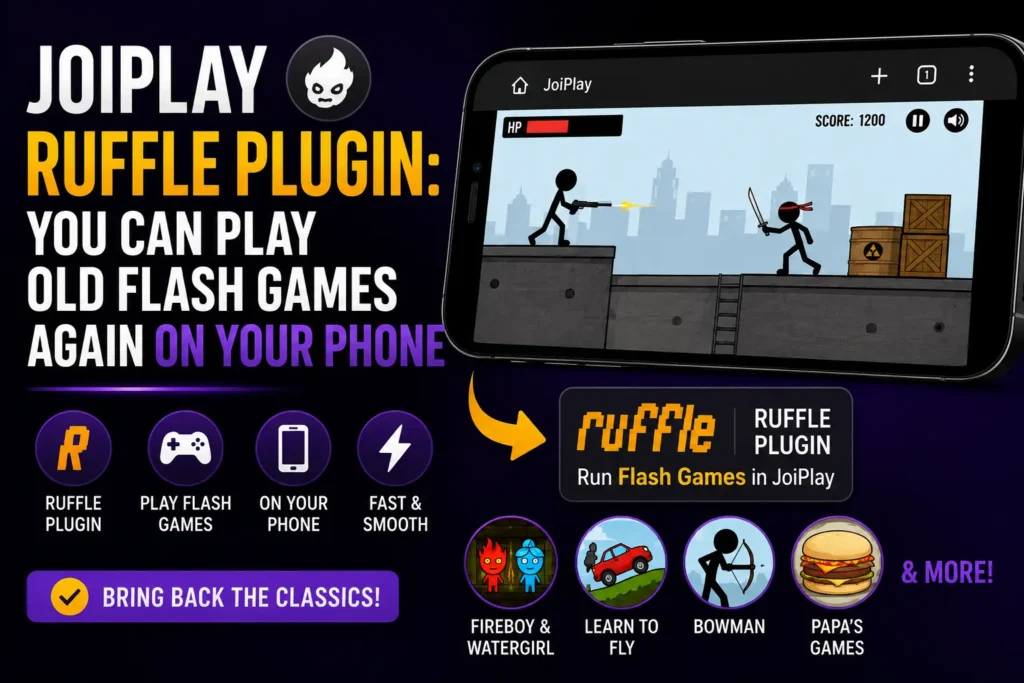
If you grew up in the 2000s or early 2010s, you know exactly what we’re talking about. Those amazing games on Newgrounds, Miniclip, Coolmathgames, and hundreds of other websites. Games like Super Mario Flash, Fancy Pants Adventures, Happy Wheels, Bloons Tower Defense, and countless others. Then in December 2020, Adobe officially shut down Flash Player. Just like that thousands of beloved games became unplayable overnight.
But here’s the exciting part: they’re back. And you can play them on your Android phone for free thanks to the JoiPlay Ruffle Plugin. In this guide we’ll cover everything you need to know, what the Ruffle Plugin is, how to download and install it, where to find Flash game files, and how to fix common problems.
What is the JoiPlay Ruffle Plugin?
The JoiPlay Ruffle Plugin is a free add-on for the JoiPlay app that brings Adobe Flash game support to your Android device. It’s powered by Ruffle: an open-source Flash Player emulator that was built specifically to replace Adobe Flash after it was discontinued. Ruffle can read and run old Flash files (.swf files) without needing the original Adobe Flash Player at all. When you combine Ruffle with JoiPlay, you get a powerful setup that lets you:
- ✅ Play thousands of classic Flash games on Android
- ✅ Run .swf files directly on your phone
- ✅ Enjoy games from Newgrounds, Miniclip, and more
- ✅ Relive your childhood favorites anywhere, anytime
- ✅ Play completely offline, no internet needed
What Happened to Flash Games?
Back in the day, Adobe Flash was everywhere. It powered animations, videos, and most importantly browser games. Websites like Newgrounds hosted thousands of Flash games that millions of people played every single day. But Flash had security problems. Over the years browsers started blocking it, and eventually Adobe announced they would end support for Flash on December 31, 2020.
When that day came, Flash games simply stopped working in all browsers. No warning, no alternative, just gone. Thankfully, a group of developers created Ruffle: a Flash emulator written in a modern programming language that can safely run old Flash content without any of the security risks. And now, through the JoiPlay Ruffle Plugin, you can run those games on your Android phone.
Why Use JoiPlay Ruffle Plugin on Android?
You might wonder that can’t I just use a browser to play Flash games? Here’s why the JoiPlay Ruffle Plugin is the better option:
| Feature | JoiPlay Ruffle Plugin | Browser-based solutions |
|---|---|---|
| Works offline | ✅ Yes | ❌ Usually no |
| Android optimized | ✅ Yes | ⚠️ Hit or miss |
| Touch controls | ✅ Yes | ⚠️ Limited |
| No ads or popups | ✅ Yes | ❌ Usually full of ads |
| Free to use | ✅ Yes | ✅ Yes |
| Game library | ✅ Any .swf file | ⚠️ Limited to hosted games |
| Performance | ✅ Smooth | ⚠️ Often laggy |
What Games Can You Play With the Ruffle Plugin?
This is the most interesting part of it. The Ruffle Plugin can run thousands of classic Flash games including:
Action Games
- Fancy Pants Adventures
- Super Mario Flash
- Sonny (RPG)
- Age of War
- Boxhead series
Tower Defense Games
- Bloons Tower Defense 1, 2, 3, 4
- Desktop Tower Defense
- Flash Element TD
Platformer Games
- N Game
- Fireboy and Watergirl series
- Meat Boy (original Flash version)
- Electric Man series
Puzzle Games
- Grow series
- This is the Only Level
- Light Bot
- Factory Balls
Fun & Weird Games
- Happy Wheels
- Ragdoll Achievement
- Nyan Cat games
- Stick figure games from Newgrounds
Note: Game compatibility depends on the complexity of the Flash file. Most simple to mid-complexity games work great. Very complex games with heavy ActionScript 3.0 may have occasional glitches.
How to Download and Install the JoiPlay Ruffle Plugin (Step by Step)
Step 1: Make Sure JoiPlay is Installed
The Ruffle Plugin only works alongside JoiPlay, it won’t do anything on its own. If you don’t have JoiPlay yet, download it from the Google Play Store or from our homepage first.
Step 2: Download the Ruffle Plugin APK
Download the JoiPlay Ruffle Plugin APK (version 1.00.15) directly from our website. It’s completely free.
Step 3: Enable Unknown Sources
Since you’re installing an APK file, you’ll need to allow your phone to install apps from outside the Play Store:
- Go to Settings on your Android phone
- Tap Security or Privacy
- Enable Install Unknown Apps
- Select your browser or file manager and allow it
Step 4: Install the Ruffle Plugin
- Open your phone’s File Manager
- Go to your Downloads folder
- Find the Ruffle Plugin APK file
- Tap on it and hit Install
- Wait for installation to finish and tap Done
Step 5: Get Your Flash Game Files (.swf)
This is the part most guides skip, where do you actually get Flash game files? Here are the best and safest places to find .swf files:
- Flashpoint Archive (bluemaxima.org/flashpoint): the largest Flash game preservation project with thousands of games
- Newgrounds.com: many games still available for download
- Archive.org (Internet Archive): huge collection of preserved Flash games
- Ruffle.rs: the official Ruffle website with demo games
Step 6: Add the Game to JoiPlay
- Open the JoiPlay app
- Tap the “+” button to add a new game
- Browse to your .swf game file
- Select it and give your game a name
- Tap OK
Step 7: Play!
Tap on your game in the JoiPlay library and it will automatically launch using the Ruffle Plugin. That’s all there is to it.
How to Set Up Touch Controls for Flash Games
Most Flash games were designed for mouse and keyboard on PC. On Android, you’ll be using a touchscreen, here’s how to make it work well:
For mouse-click based games: Tapping the screen works just like clicking the mouse. Most point-and-click and tower defense games work perfectly this way.
For keyboard-based games: JoiPlay has a built-in virtual keyboard and button mapper. You can set up on-screen buttons that map to keyboard keys. Here’s how:
- Launch your game in JoiPlay
- Tap the JoiPlay overlay button (usually appears at the edge of the screen)
- Go to Controls or Key Mapping
- Set up virtual buttons for the keys your game needs (arrow keys, spacebar, etc.)
- Save your layout and enjoy.
Common Problems and How to Fix Them
❌ Game shows a blank black screen
✅ Fix: The game may use an older Flash format (ActionScript 1 or 2). Try a different .swf file or check if the game is on the Ruffle compatibility list at ruffle.rs. Check out this guide instantly if you are facing black screen issue.
❌ Game runs very slowly or lags
✅ Fix: Close all background apps before launching the game. Also try lowering your screen resolution in JoiPlay settings for better performance on older devices.
❌ Ruffle Plugin not detected by JoiPlay
✅ Fix: Close JoiPlay completely and reopen it. If still not detected, uninstall the JoiPlay Ruffle Plugin and reinstall it, then restart JoiPlay.
❌ Game crashes midway through
✅ Fix: This usually happens with very complex Flash games. Check ruffle.rs/compatibility to see if your specific game is fully supported yet. Ruffle is still being developed and compatibility improves with every update.
❌ Controls don’t respond properly
✅ Fix: Go to JoiPlay’s control settings and remap the touch controls for your game. Some games need specific key mappings to work properly on touchscreen.
❌ Audio not working in game
✅ Fix: Make sure your phone’s media volume is turned up. Also check JoiPlay’s settings to ensure audio output is enabled. Some older Flash files have audio format compatibility issues with Ruffle, this is being fixed in ongoing updates.
Tips for the Best JoiPlay Ruffle Plugin Experience
📁 Organize Your Flash Games Create a dedicated folder like Internal Storage/FlashGames/ and keep all your .swf files there. It makes finding them in JoiPlay much easier.
🔄 Keep the Plugin Updated Ruffle is actively developed and new updates improve game compatibility regularly. Check back on our website for newer versions of the plugin.
🎮 Use a Bluetooth Controller For action games and platformers, a Bluetooth gamepad makes the experience much closer to the original PC experience.
📱 Try Different .swf Versions Some games were released in multiple versions. If one .swf file doesn’t work well, try finding an older or newer version of the same game.
🔋 Charge Your Phone First Some Flash games are surprisingly demanding on older Android devices. Playing on a full charge or while plugged in gives you the best performance.
Conclusion
The JoiPlay Ruffle Plugin is honestly one of the most exciting plugins in the JoiPlay ecosystem. It doesn’t just add new game support, it literally brings back thousands of games that the world thought were lost forever. Whether you want to relive your childhood with classic Newgrounds games, discover Flash games you never got to play, or introduce old favorites to a new generation, the Ruffle Plugin makes it all possible right on your Android phone. It’s free, it’s easy to install, and the game library is absolutely massive. There’s really no reason not to try it.