
How to Play Dead Plate Android on JoiPlay (2026)
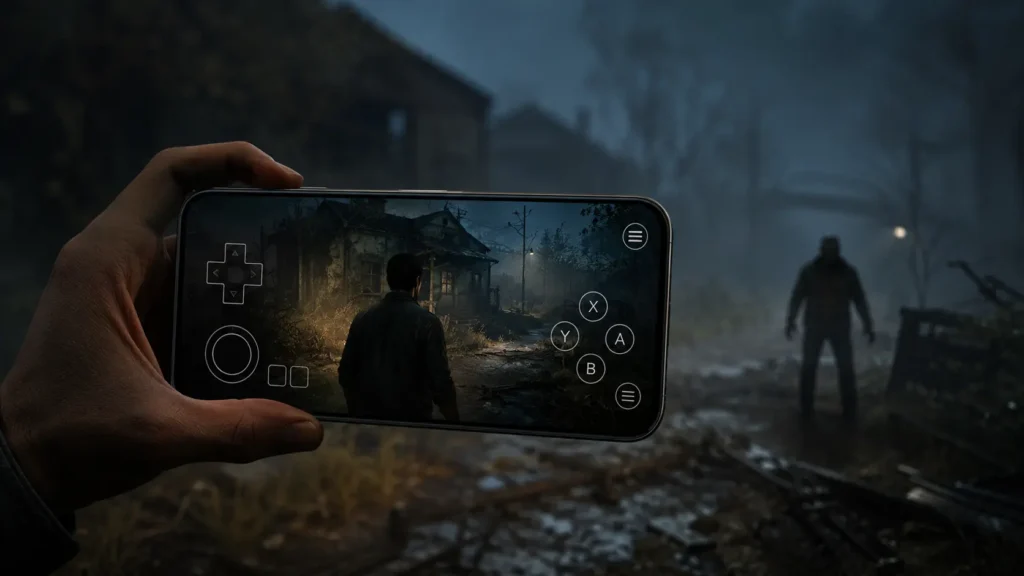
Dead Plate is one of 2026’s most talked-about indie horror games, but it was never released on the Google Play Store, and that’s tripped up a lot of Android fans searching for a way to play it on their phone. The game was built for Windows and macOS using RPG Maker, with no official mobile version in sight. The good news? You don’t need to wait for a port. Using a free emulator app called JoiPlay, thousands of Android players are already running Dead Plate on their phones and tablets today. In this guide, we’ll walk through the exact steps to download, install, and configure Dead Plate on Android in 2026, no technical experience required.
What Is Dead Plate?
Dead Plate is an indie horror game made by racheldrawsthis, Rix, and Studio Investigrave. You play as Rody, a waiter working in a small French restaurant during the 1960s. On the surface, it looks like a cozy time-management game: seat customers, take their orders, deliver food before they get impatient and walk out. But underneath the cooking and serving mechanics is a much darker mystery involving the restaurant’s chef, its secrets, and some very unsettling twists.
The game blends visual novel storytelling with point-and-click and simulation gameplay, and it’s known for its detailed artwork and tense pacing. It’s free to download from itch.io, but it’s built for desktop computers, which is exactly why mobile players need a workaround. Want to play the newly released game Butcher Me Not, based on the a dark horror where you face a terrifying masked butcher and try to survive his deadly, unsettling world.
Why You Can’t Just Download Dead Plate on Android
Dead Plate was made in RPG Maker, a game development engine designed to export games as Windows or macOS programs. It doesn’t have a built-in option to export directly to Android. So the developers never packaged an APK (the file format Android apps use) for it.
That’s where JoiPlay comes in.
What Is JoiPlay?
JoiPlay is a free Android app that acts like a translator between your phone and PC-only games. Instead of installing the actual game as an Android app, JoiPlay reads the original game files and runs them on your device using its own engine underneath. It supports several types of games, including titles made with RPG Maker, Ren’Py, TyranoBuilder, and a few other engines.
Because Dead Plate was built in RPG Maker, JoiPlay (plus one small add-on) is able to run it almost exactly like it would run on a PC, just on a touchscreen instead of a keyboard and mouse.
A few important things to know about JoiPlay before you start:
- You can simply download it from this website, it is safe and easy to download.
- It’s a legitimate, long-running open-source project that’s widely used by fans of visual novels and RPG Maker games, not a shady app.
- You will still need to download the actual Dead Plate game files separately from itch.io. JoiPlay doesn’t come with any games built in.
What You’ll Need Before You Start
Getting this set up only takes a few minutes if you have the right pieces ready:
- An Android phone or tablet with a reasonably modern version of Android (most phones from the last several years work fine).
- At least 1-2 GB of free storage, since the game files and JoiPlay itself take up some space.
- A file manager app to unzip files (most Android phones already have one built in).
- A stable internet connection to download everything.
Step 1: Enable Installs From Unknown Sources
Since JoiPlay isn’t on the Play Store, Android will block the installation by default. You’ll need to allow it manually:
- Open your phone’s Settings.
- Go to Security (or Apps > Special app access, depending on your Android version).
- Find Install unknown apps.
- Select the browser or file manager you’ll use to install JoiPlay, and toggle it on.
Don’t worry, this doesn’t put your phone at risk on its own. It simply gives you permission to install apps from outside the Play Store, the same way you would for other trusted APKs.
Step 2: Download JoiPlay and the RPG Maker Plugin
JoiPlay works using a main app plus small plugins for different game engines. Since Dead Plate runs on RPG Maker, you’ll need two files:
- JoiPlay (the core app)
- RPG Maker Plugin for JoiPlay (the add-on that lets JoiPlay understand RPG Maker games)
Head to JoiPlay’s official website or its official GitHub releases page and download both APK files. Avoid random third-party app sites that just reupload the APK, since some of those bundle in unwanted ads or outdated versions.
Once both files are downloaded:
- Open your file manager and tap the JoiPlay APK to install it.
- Once that finishes, tap the RPG Maker Plugin APK to install it too.
- Open the plugin once after installing. It won’t do much on its own; it just needs to register itself with JoiPlay in the background.
Step 3: Download Dead Plate
Now you need the actual game. Since Dead Plate is a PC title, you’ll download the Windows version of the game (not an Android version, since none exists):
- Go to the official Dead Plate page on itch.io.
- Download the Windows build of the game to your phone. You can do this directly in your phone’s browser.
- Once it finishes downloading, it will usually be a .zip file.
Step 4: Unzip the Game Files
Dead Plate will come compressed in a zip folder, and JoiPlay needs the extracted files, not the zip itself:
- Open your file manager app.
- Find the downloaded Dead Plate zip file, usually in your Downloads folder.
- Tap it and choose Extract or Unzip.
- This will create a new folder containing the game’s files, including a file that ends in .exe. That .exe file is what JoiPlay will actually launch.
Keep this extracted folder somewhere easy to find, since you’ll need to point JoiPlay to it in the next step.
Step 5: Add Dead Plate to JoiPlay
With everything downloaded and unzipped, it’s time to bring it all together:
- Open the JoiPlay app.
- Tap the + button, usually found in a corner of the screen.
- Select Add Game.
- Use the file browser that pops up to navigate to the folder where you unzipped Dead Plate.
- Select the .exe file inside that folder (it’s often named something like “Game.exe”).
- JoiPlay will add Dead Plate to your library with its own icon.
Step 6: Launch and Set Up Your Controls
Tap the Dead Plate icon inside JoiPlay to launch it for the first time. JoiPlay will show an on-screen virtual gamepad overlay, since the game was originally designed for a mouse and keyboard.
A few tips for a smoother first run:
- Adjust the virtual controls before diving in. JoiPlay usually lets you resize or move the on-screen buttons and joystick so they fit comfortably for your hand and screen size.
- Give the game a moment to load the first time you open it. RPG Maker games can take longer to boot up inside JoiPlay compared to native Android apps.
- Save often. Since Dead Plate has a day-by-day structure with a fairly tight time limit for serving customers, saving between shifts helps you avoid losing progress if something goes wrong.
- Lower your screen brightness settings if needed, since Dead Plate leans into a moody, dim visual style that can look different on mobile screens compared to a PC monitor.
Is JoiPlay the Only Way to Play Dead Plate on Mobile?
JoiPlay isn’t the only option out there, but it’s by far the simplest for most players. Some users try cloud gaming services or remote desktop apps that stream Dead Plate from a PC to a phone screen, letting you play the exact Windows build without any compatibility layer at all. The catch is that these methods usually require you to already own a gaming PC that’s turned on and connected, plus a fast, stable internet connection to avoid lag. JoiPlay skips all of that by running the game files directly on your device, no PC or streaming setup required, which is why it’s become the go-to method for the vast majority of Android players looking to experience Dead Plate on the go.
Performance Settings to Improve Frame Rate
If Dead Plate feels sluggish on your device even after closing background apps, JoiPlay’s built-in settings menu has a few options worth adjusting before giving up on performance. Inside the app, look for the renderer setting and try switching between OpenGL and software rendering, since one often runs noticeably smoother than the other depending on your phone’s hardware. You can also enable frame skip, which allows the game to drop a few animation frames during heavier scenes to keep things running at a playable speed. On older or budget devices, lowering the internal resolution scale can make a big difference too, trading a small amount of visual sharpness for a much steadier frame rate throughout your shifts.
How Long Does Dead Plate Take to Complete?
Most players finish a single playthrough of Dead Plate in roughly 3 to 5 hours, though this varies depending on how carefully you explore the restaurant and how many optional interactions you seek out between shifts. Like many narrative-driven titles, the game features multiple possible endings based on choices made throughout the story, so a full first playthrough often runs a bit longer as players take time to read dialogue and investigate their surroundings. Because of this, it’s worth budgeting a few separate mobile sessions rather than expecting to finish it in one sitting, especially since JoiPlay’s save system makes it easy to pick up exactly where you left off between shifts.
Common Issues and How to Fix Them
JoiPlay says the plugin isn’t installed. Double check that you installed the RPG Maker Plugin APK separately from the main JoiPlay app. Both are required, and installing just one won’t work.
The game won’t launch or crashes immediately. Make sure you selected the actual .exe file inside the unzipped folder, not the zip file itself, and not a random file inside a subfolder. If it still won’t launch, try re-downloading and re-extracting the game files in case something got corrupted during the download.
Controls feel confusing at first. This is common with RPG Maker games on JoiPlay, since they were designed for a keyboard. Spend a minute in the control customization menu before starting a new save, since getting the movement stick and action buttons positioned well makes a big difference.
The game runs slowly. Older or budget Android devices may need a moment to keep up, especially during scenes with a lot of animated visuals. Closing other background apps before launching Dead Plate usually helps.
To avoid all these troubles and time-taking process, just follow this fixes and it will make it very easy for you to tackle all the troubleshooting areas. You can also check controller setup, black screen fixes.
Is This Safe and Legal?
JoiPlay itself is a legitimate open-source project used widely across the visual novel and RPG Maker community, and downloading it from its official channels is generally considered safe. As with any APK installed outside the Play Store, it’s smart to only download from the official source rather than random mirror sites. As for Dead Plate, you’re downloading the game for free directly from its official itch.io page, the same way any PC player would. You’re simply using JoiPlay as a bridge to run those same files on a phone instead of a computer.
Conclusion
Getting Dead Plate running on Android takes a bit more effort than a Play Store install, but for horror and visual novel fans, it’s well worth the ten extra minutes. Once JoiPlay and the RPG Maker plugin are set up, you get the full PC experience, atmosphere, tension, and all right on your phone. If you run into trouble along the way, check the troubleshooting section above, and don’t hesitate to revisit JoiPlay’s settings menu to fine-tune performance and controls. With setup out of the way, all that’s left is to clock in for your first shift and find out what’s really happening in that kitchen.